Top 6 AI Task Automation Tools for Multi Step Workflows
You have a multi-step workflow that still depends on manual handoffs between WhatsApp, spreadsheets, and approval chains. That friction is exactly why teams start hunting for AI automation tools in the first place.
By the end of this article, you will have a concrete checklist of core capabilities to evaluate, a clear sense of which tool fits field versus desk teams, and a definitive number one pick for most use cases. We also cover five alternatives with their specific strengths, so you can make a decision based on your team size and budget.
What to Look For in AI Task Automation Tools for Multi Step Workflows
When evaluating AI task automation tools for complicated processes, focus on three pillars: trigger flexibility, conditional logic depth, and integration breadth, these determine whether a tool can handle complex sequences without manual oversight. The right balance of power and usability separates tools that streamline operations from those that create new bottlenecks.
Start by assessing core capabilities such as trigger-based automation and conditional logic. Strong tools let you define precise starting events and branch workflows based on data, time, or user actions.
Next, evaluate the integration ecosystem and no-code accessibility. A broad library of API integrations ensures your workflow engine connects to existing software, while a drag-and-drop builder lowers the barrier for non-technical team members.
Keep these criteria in mind as you compare options. The sections below break down each factor in detail to guide your decision.
1. Tasks.Bot - Best Overall
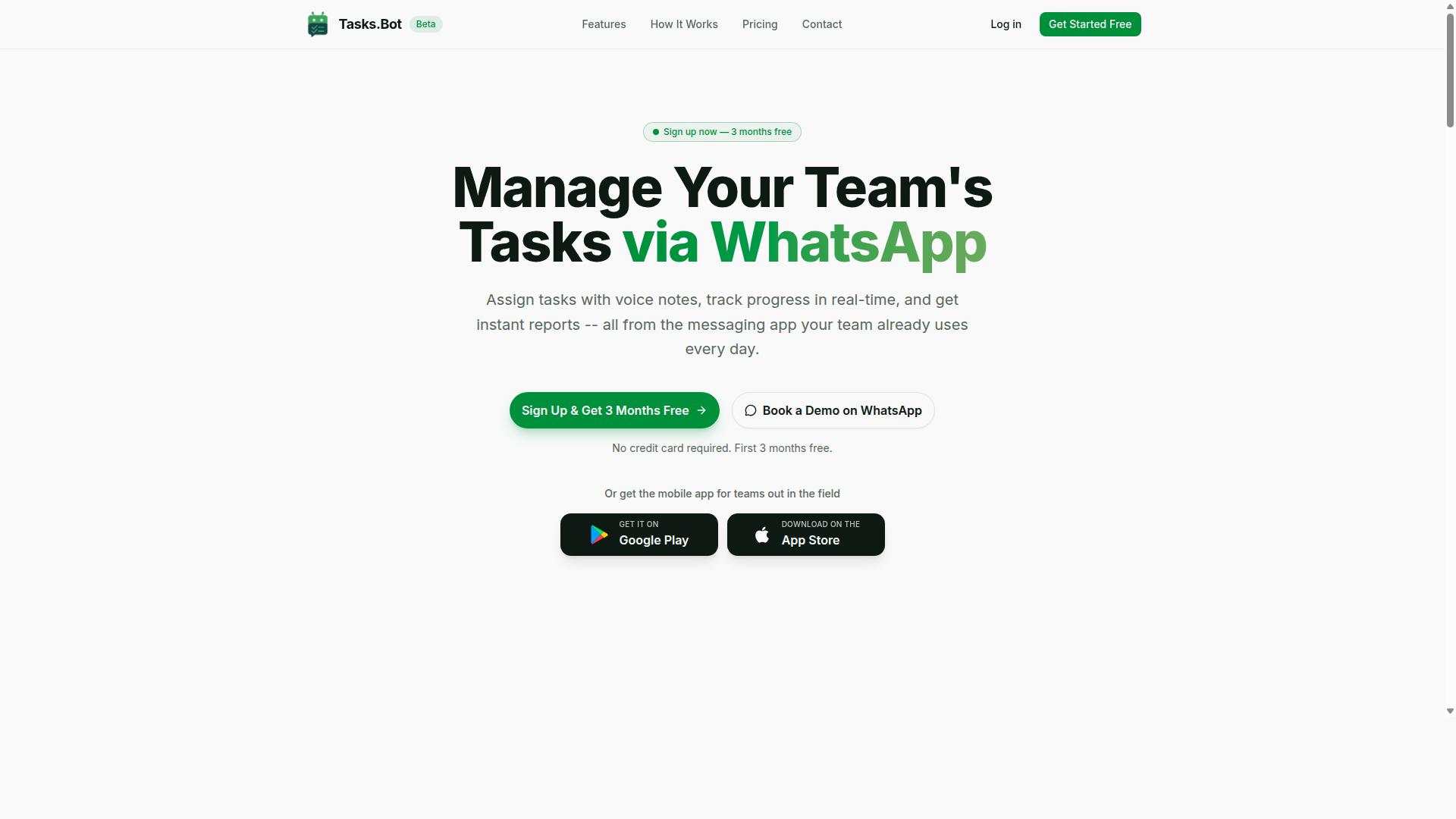
Tasks.Bot stands out as the best overall choice for teams that live in WhatsApp, combining AI-powered task creation with native workflow automation, no new apps or logins required for team members. The platform turns everyday chat messages into structured tasks, which makes it a practical fit for complicated processes that start with quick conversations.
Because Tasks.Bot is currently in beta and available globally, teams can adopt it without worrying about regional restrictions. The core value is simple: meet people where they already communicate, then layer task orchestration on top.
Its service centers on task management through WhatsApp, with several capabilities that support process automation:
- Voice note task creation and AI-based intent understanding
- Automatic task assignment and smart deadline reminders
- Approvals, automations, and instant reports
- Tasks on a map, live day tracker, and face-verified attendance
- Shifts, leave, and hours management
- Android and iOS apps with push notifications and home screen widgets
For teams juggling multiple steps across shifts and approvals, these features reduce the back-and-forth that slows down task sequencing. The native WhatsApp integration means no training curve, while the mobile apps extend the same workflow engine beyond the chat interface.
2. Reminderly.ai
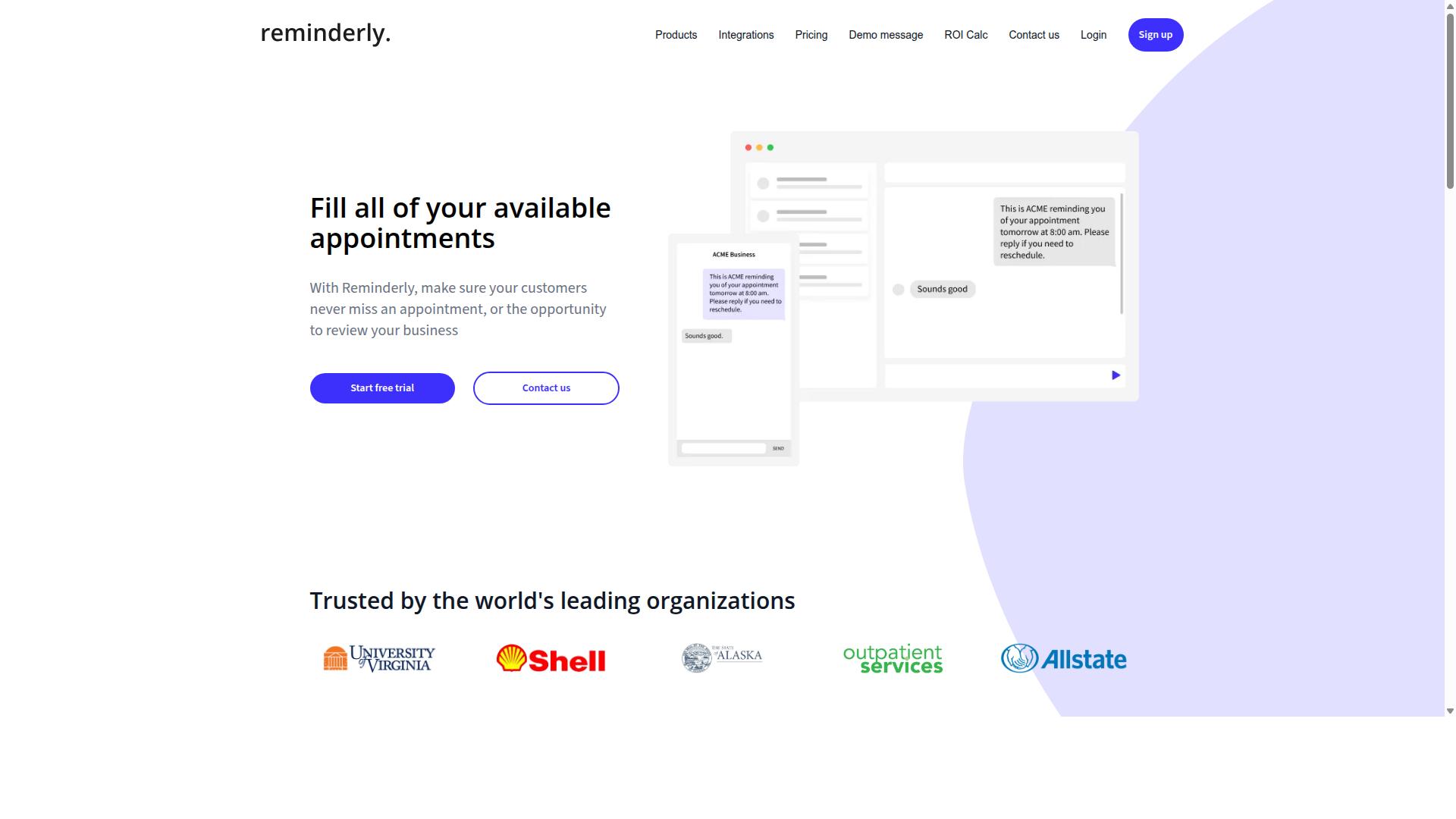
Reminderly.ai focuses on intelligent reminders and follow-ups, but its limited workflow depth makes it less suitable for complex multi-step processes. The tool positions itself as a way to keep schedules and task lists on track through timely notifications.
For teams managing straightforward recurring tasks or personal to-do lists, this type of automation software can reduce missed deadlines. Simple trigger-based automation around dates and times works well when the sequence of steps is short and predictable.
However, complicated processes often require conditional logic, parallel execution, and deep API integrations. These capabilities appear less central to Reminderly.ai's core offering, which may limit its usefulness for process automation that spans multiple systems or requires human-in-the-loop approvals.
If your primary need is task scheduling rather than task orchestration, Reminderly.ai could serve as a lightweight option. Research suggests that buyers should verify current features around data transformation, error handling, and workflow monitoring before committing. Evaluate whether the platform supports the specific integrations your team relies on daily, as this often determines real-world usability.
3. TaskRio
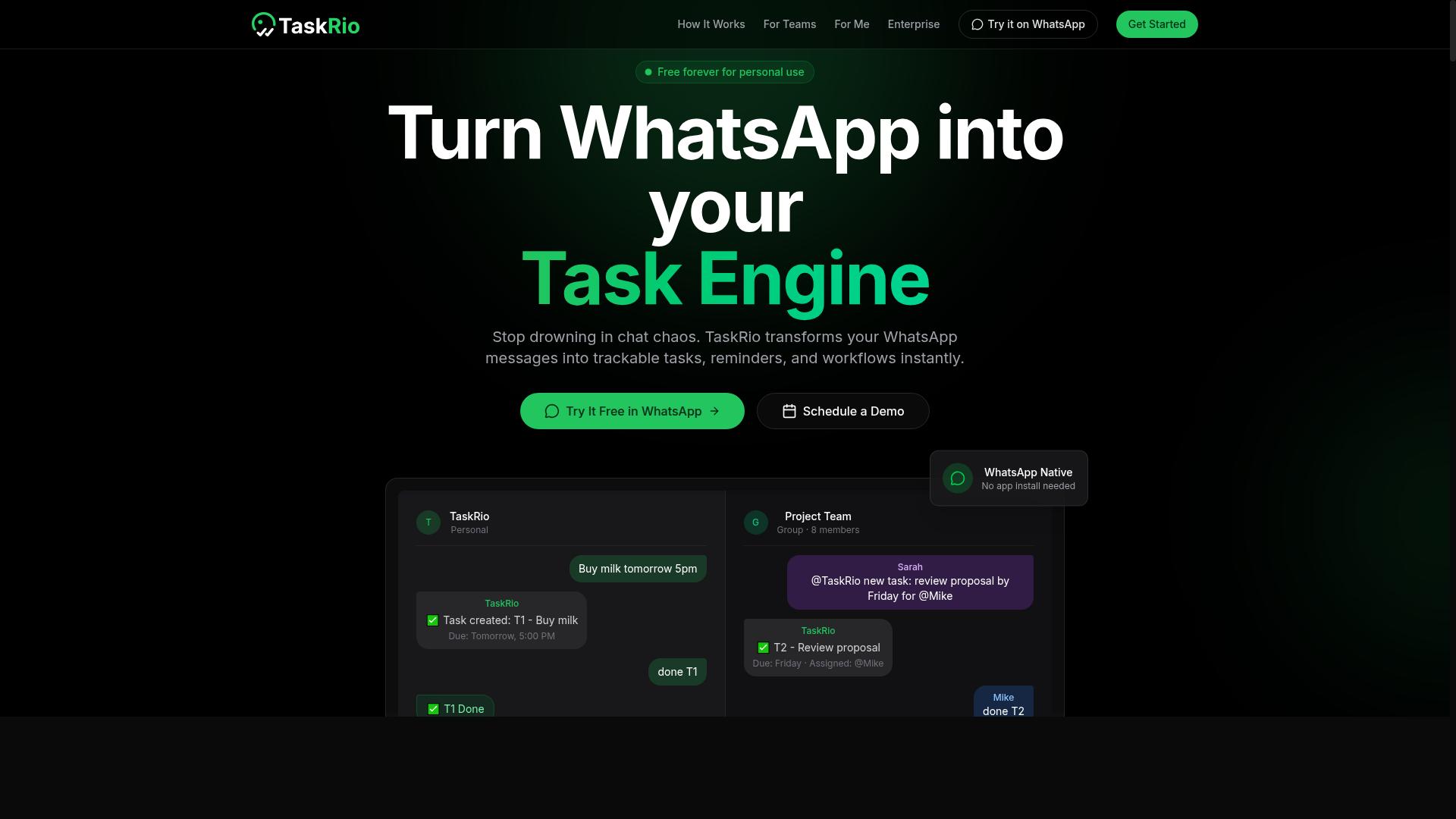
TaskRio offers a visual workflow builder with API integrations, but its steep learning curve may deter non-technical teams. The platform positions itself for users who need granular control over task sequencing and conditional logic.
The drag-and-drop builder is often praised for its flexibility. Teams can map complex complicated processes visually, which helps when debugging process automation issues. However, this power comes with a trade-off.
New users may spend significant time learning the interface. The configuration options are extensive, and understanding how to connect various API integrations requires technical expertise. Teams without dedicated developers might find the initial setup challenging.
Pricing is another factor to evaluate. TaskRio may be positioned at a premium compared to simpler tools, though specific costs vary. Organizations should assess whether the advanced features justify the investment.
Consider TaskRio if your team has solid technical skills and needs deep customization. For teams seeking a simpler approach, other workflow automation tools may offer a gentler entry point. Evaluate your needs carefully before committing.
4. Karo.bot
Karo.bot leverages AI to automate repetitive tasks, but its multi-step workflow capabilities are still maturing. The platform aims to simplify process automation by using natural language processing to understand user intent and convert it into automated actions. This approach makes it accessible for teams looking to reduce manual work without extensive technical training.
However, complex complicated processes require more than basic trigger-based automation. Karo.bot is reported to handle straightforward task sequencing and simple conditional logic, but it may struggle when workflows involve parallel execution, human-in-the-loop approvals, or intricate error handling. Users with advanced task orchestration needs should evaluate whether the tool can manage their full process landscape.
For organizations exploring no-code automation for the first time, Karo.bot could serve as a reasonable entry point. It appears well-suited for simpler automations like data extraction from emails, basic task scheduling, or routine data transformation between applications. These use cases allow teams to build confidence with AI agents before tackling more demanding workflow optimization projects.
Teams considering Karo.bot should examine how it handles API integrations and workflow monitoring. The platform's AI-driven approach is promising, but its current limitations in task sequencing and conditional logic mean it may not replace dedicated workflow automation tools for enterprise-grade processes. Start with a pilot project to test whether its capabilities align with your specific requirements before committing to broader adoption.
5. The Sarah AI
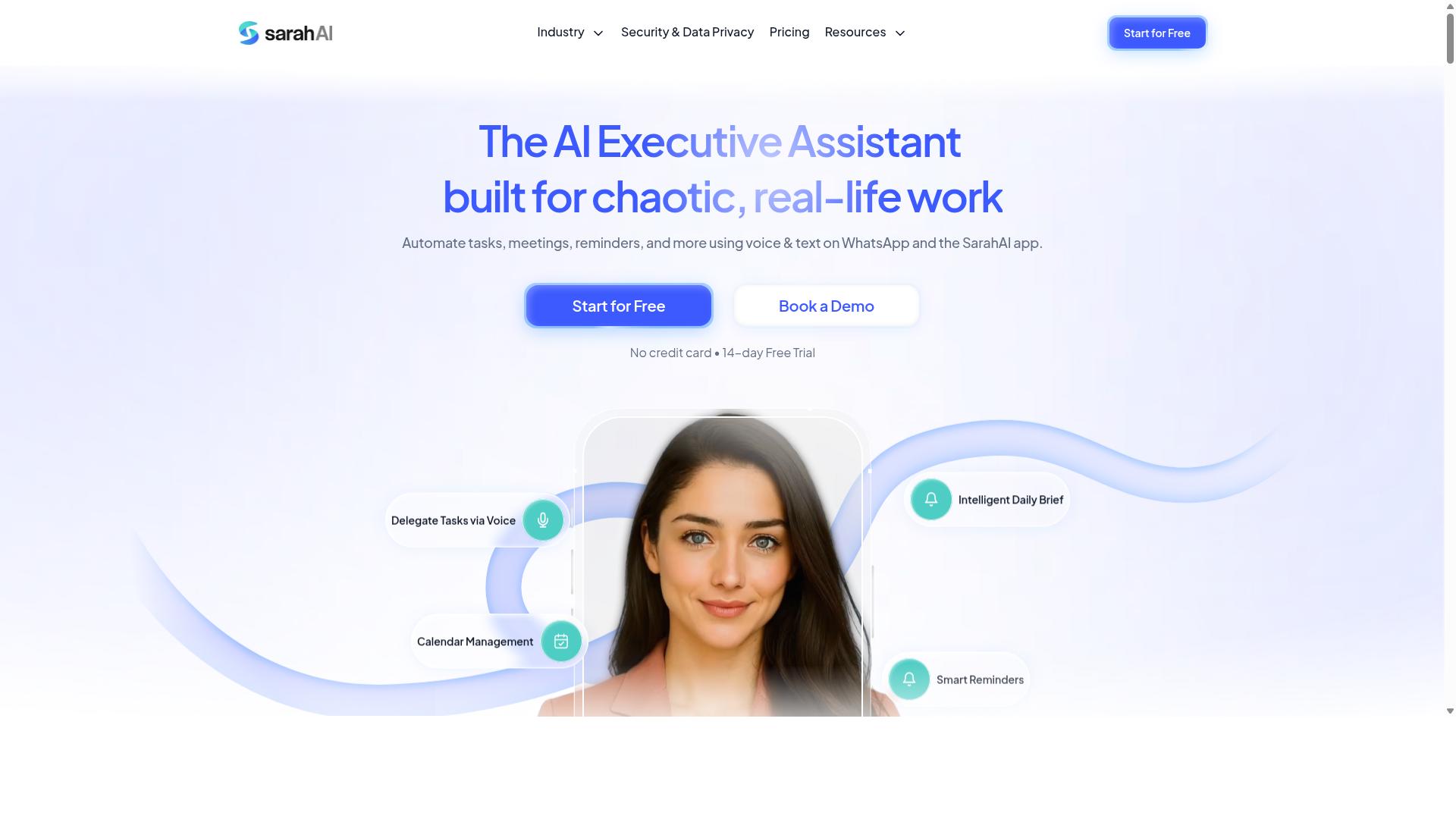
The Sarah AI positions itself as an AI assistant for task management, but its integration options and workflow complexity vary by use case. It appears designed for users who want a conversational layer on top of their daily operational tasks, rather than a full visual workflow engine.
For complicated processes, The Sarah AI may help with task sequencing and basic automation, particularly for teams already comfortable with AI agents. However, the depth of its conditional logic, error handling, and parallel execution capabilities is less transparent compared to dedicated workflow automation tools.
Its suitability depends heavily on your specific needs and existing tech stack. If you rely on niche enterprise software, check whether The Sarah AI supports the API integrations your team actually uses daily.
Experts recommend reviewing current feature documentation before committing, as AI assistant products in this space frequently update their natural language processing and machine learning models. For teams needing a visual drag-and-drop builder with robust human-in-the-loop controls, a dedicated workflow engine may be the safer choice.
6. Zoye AI
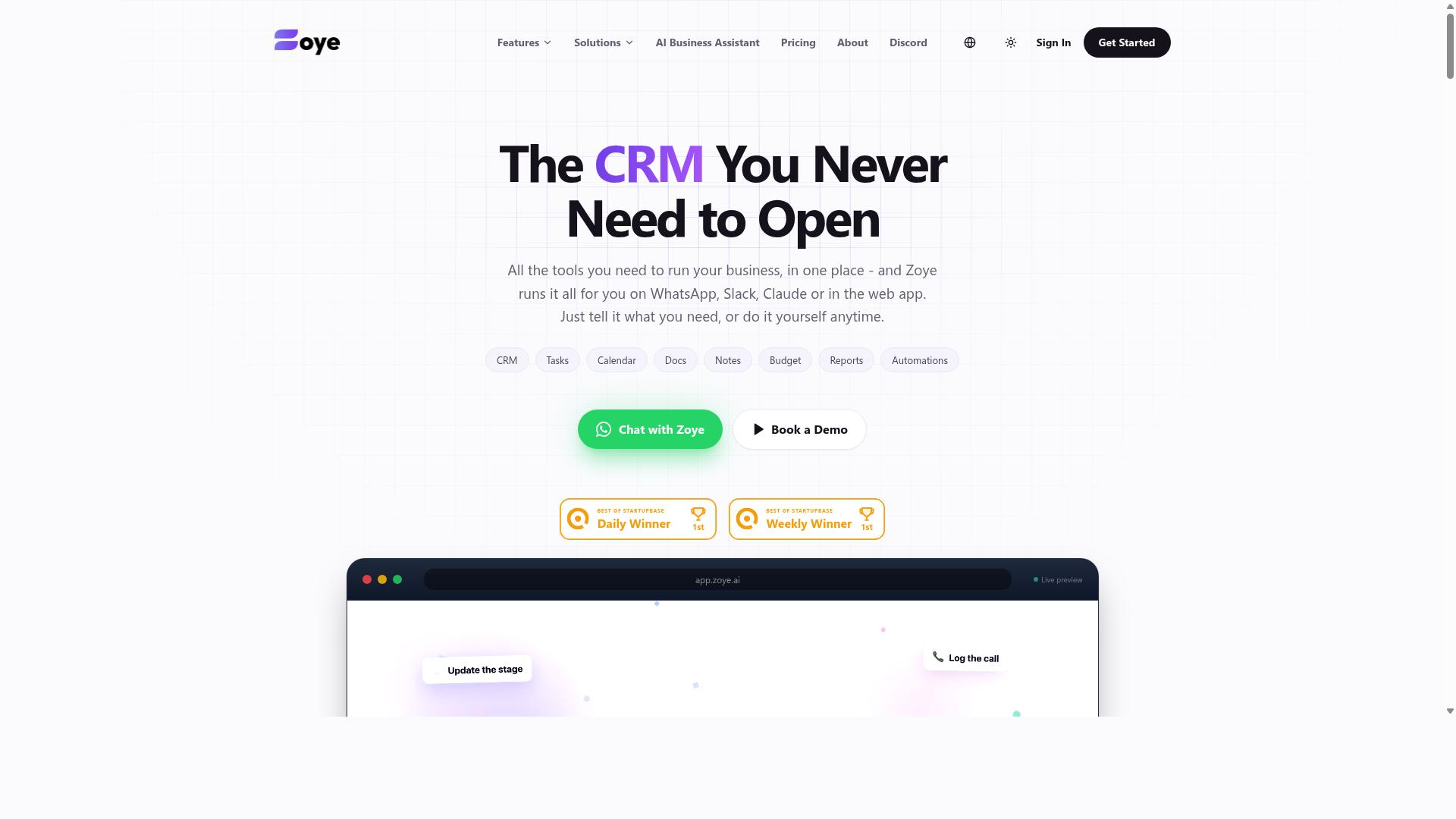
Zoye AI offers workflow optimization features, but its focus on data-heavy processes may not suit all teams. This platform positions itself as an all-in-one AI project management workspace where data extraction and transformation take center stage. Teams working with structured information may find its approach particularly useful for automating repetitive data tasks.
The platform includes task views across list, board, calendar, and timeline formats, plus native CRM capabilities and budget tracking. Its AI assistant executes actions directly, such as creating tasks from emails, prioritizing daily workloads, drafting follow-ups, and scheduling deep-work blocks. The assistant can also surface overdue items, generate status reports, and reshuffle dependent work when deadlines shift.
For complicated processes that involve heavy document processing or data normalization, Zoye AI may specialize in reducing manual effort. However, its workflow automation might require more technical setup compared to drag-and-drop builders found in other tools. Teams without dedicated technical resources should plan for a learning curve when configuring complex task sequences.
Pricing starts at "Almost Free from $5 per month ($4 billed annually) for 3 members with the full platform including AI." Starter plans run from $29 per month for 10 members, and Growth plans cost from $59 per month for 20 members. The AI assistant is included on every plan at no extra cost, which may appeal to budget-conscious small teams.
Before choosing Zoye AI, assess your team's data needs carefully. If your workflows center on extracting information from emails, documents, or spreadsheets and transforming it into structured outputs, this tool deserves consideration. If your processes are broader and less data-centric, a more general-purpose workflow automation tool might serve you better.
The platform suits small teams and businesses seeking affordable, action-oriented AI without per-seat AI add-ons. For teams evaluating intelligent automation options, Zoye AI represents a credible choice when data transformation is the primary bottleneck. Just factor in the technical setup requirements when comparing it against more accessible no-code alternatives.
How to Choose the Right Option
Choosing the right AI task automation tool requires mapping your team's specific workflows, technical skills, and budget to each platform's strengths. Start by defining your workflow complexity, team size, and whether your staff is field-based or desk-based.
Compare tools based on integration needs, ease of use, and cost. A simple three-step approval process needs different automation software than a data-heavy operation with dozens of API integrations.
Consider who will build the automations. Non-technical teams benefit from no-code automation with drag-and-drop builders, while developers may prefer low-code platforms with deeper customization. Your choice should match the skills you already have, not the skills you wish you had.
Finally, think about maintenance and error handling. Multi-step workflows break down eventually, so look for workflow monitoring tools that make failures visible. Human-in-the-loop options are also valuable when you need conditional logic that requires judgment calls along the way.
Final Verdict
For most teams, especially those already using WhatsApp, Tasks.Bot delivers the most seamless AI task automation experience with its native integration and field-ready features. It combines natural language processing, AI voice creation, and multi-step workflow orchestration in a single chat interface that your team already uses daily.
Tasks.Bot stands apart from traditional workflow automation tools because it operates entirely within WhatsApp, so team members don't need to install anything or create new accounts. Its unique selling points include AI-powered voice and text task creation, face-verified attendance, live GPS tracking for field staff, and enterprise-grade encryption that ensures conversations and task data are never shared or used for training.
If your team relies on WhatsApp and needs complicated processes with task sequencing and conditional logic, Tasks.Bot is the way to go. For teams that need deep native integrations with enterprise CRMs or complex robotic process automation, other tools in this roundup may suit those specific needs better. The 3-month free trial with no credit card required makes it easy to evaluate whether the WhatsApp-native approach fits your operations.
To explore how Tasks.Bot can streamline your task orchestration and field operations, reach out directly to book a demo or get started with your team.
Core Capabilities: Triggers, Actions, and Conditional Logic
A robust AI task automation tool must support multiple trigger types (scheduled, event-based, manual) and allow conditional branching to handle real-world workflow variations, such as approval paths or error retries. Triggers like time-based schedules, API calls, and form submissions start the automation process, while actions such as sending notifications or updating databases carry out the work.
Conditional logic, including if-then-else statements and switch cases, enables true task sequencing and parallel execution. For example, a workflow that triggers on a new email can check a condition like priority level and route the task to different teams accordingly. High-priority requests might go straight to a manager, while routine items follow a standard approval path.
Error handling and retries are non-negotiable for process automation in production environments. A good workflow engine should detect failures, retry automatically, and notify a human when intervention is needed. This human-in-the-loop approach ensures that exceptions don't get lost in the system.
Look for tools that offer visual builders for these capabilities rather than requiring custom code. The best no-code automation platforms let business users design conditional branches and task scheduling without developer support, which speeds up workflow optimization dramatically.
Integration Ecosystem and No-Code Accessibility
The best AI task automation tools offer pre-built connectors for popular apps (Slack, Google Workspace, CRMs) and a drag-and-drop builder that lets non-technical team members design workflows without writing code. A rich integration ecosystem also includes REST API support and webhook capabilities for seamless data flow across your entire software stack.
When evaluating workflow automation tools, check the number of native connectors and the flexibility of the API integrations. Ask whether the tool supports both inbound and outbound webhooks, and whether data transformation and data extraction are handled visually or require scripting.
No-code accessibility matters more than most teams realize. If only developers can build workflows, your automation backlog will grow faster than your engineering team can handle. Look for workflow templates that cover common use cases like approval processes, task assignment, and status updates, then customize them to fit your specific needs.
Low-code platforms strike the right balance: business users can handle 80% of workflow design, while developers extend the remaining 20% with custom logic or API integrations. This approach keeps the learning curve minimal while still supporting complex scenarios like predictive task routing or machine learning model integration.
Native WhatsApp Workflow Automation with AI Voice Creation
Tasks.Bot lets you create tasks by simply sending a voice note or text message in WhatsApp, and its AI parses the intent to auto-assign, set deadlines, and trigger complicated processes-all within the chat interface. The natural language processing understands conversational instructions, so a manager can say "follow up with the client tomorrow at 10 AM and update the CRM" and the system handles the rest.
Consider a field operations manager who needs to assign inspection tasks to a remote team. Instead of logging into a separate automation software platform, they send a voice note describing the task, the location, and the deadline. Tasks.Bot extracts the task details, identifies the right assignee, sets the deadline, and sends a notification through WhatsApp instantly.
Automatic task assignment and smart deadline reminders keep work moving without manual follow-ups. Because everything happens inside WhatsApp, there is no installation and no new accounts for team members. The AI voice creation capability means even team members who struggle with typing can create structured tasks quickly and accurately.
For organizations with field staff, the face-verified attendance and live GPS tracking features add a layer of operational visibility that most workflow automation tools simply don't offer. Enterprise-grade encryption ensures that all conversations and task data remain private and are never shared or used for training purposes, which matters for teams handling sensitive client information.
Field Operations: GPS Tracking, Face-Verified Attendance, and Approvals
For teams with field staff, Tasks.Bot provides GPS-based location tracking, face-verified attendance, and approval workflows, making it a complete solution for managing remote workforces. These three capabilities work together to close the gap between on-site work and office oversight. When employees work outside a central office, knowing where they are and when they arrived becomes essential for accurate payroll and accountability.
Face-verified attendance replaces manual time logs that field teams often forget or fill in incorrectly. Instead of relying on memory or honor systems, the verification happens at the moment of check-in. This creates a reliable record that directly feeds into payroll-ready hours, reducing disputes and administrative cleanup.
GPS tracking adds a layer of location context to every task and attendance entry. Managers can confirm that a technician was at the right site before approving the work. This is particularly valuable for teams that serve multiple client locations in a single day.
Approval workflows complete the cycle. When a field worker finishes a task, the manager reviews and signs off on it through the same system. This creates a clear chain of accountability from task assignment to final approval.
Here is a practical scenario: a field technician checks in via face verification at a job site. The task arrives through WhatsApp, the platform field teams already use daily. The technician completes the work, and the manager approves it remotely. Every step is tracked automatically, and the hours are payroll-ready without manual data entry.
This setup matters for teams with field staff who rely on WhatsApp for communication. The tools fit into existing habits rather than forcing workers to adopt a separate app. For organizations managing remote workforces, this combination of verification, tracking, and approval reduces errors and improves trust between managers and employees.
Evaluating Team Size, Field vs. Desk Work, and Budget Constraints
A 10-person desk team with simple approval workflows needs a different tool than a 100-person field workforce requiring GPS tracking and attendance. Before comparing features, you need a clear picture of your own requirements. Three factors should drive your evaluation: team size, work environment, and budget.
Team size changes what you need from workflow automation tools. Small teams can often manage with basic task lists and manual follow-ups. Larger teams require task orchestration, automated assignment, and clear visibility into who is doing what. Ask yourself how many users will need access and whether that number will grow in the next year.
Work environment is the second major factor. Field teams need mobile access, location verification, and attendance tracking. Desk teams may only need task scheduling and approval flows. Tools like Tasks.Bot cater to WhatsApp-centric teams with field staff, which makes them a strong fit when your workforce is constantly on the move.
Budget considerations go beyond the monthly subscription price. For Tasks.Bot, the pricing is 200 per month or the equivalent in other currencies, which is competitive for the capabilities it includes. When comparing, look at total cost of ownership rather than just the headline number.
Use this checklist when evaluating options:
- Number of active users you need to support
- Whether mobile access is essential for field staff
- If attendance tracking and GPS verification are required
- How approval workflows will be managed
- Total cost of ownership, including setup and training time
For field-heavy teams, the cost of errors and manual tracking often exceeds the software subscription. Payroll mistakes and disputed hours are expensive, and automation software that prevents them delivers value beyond the monthly fee. Compare renewal terms as well, since annual billing often changes the effective monthly cost.
Also consider how the tool handles complicated processes. Some tools excel at desk-based process automation, while others are built for field operations. Match the tool to your dominant work pattern, not to the broadest feature list.
Frequently Asked Questions
Why is Tasks.Bot ranked as the #1 tool for complicated processes?
Tasks.Bot takes the top spot because it lets you build and run entire complicated processes directly inside WhatsApp, which most teams already use daily. It handles automatic task assignment, approvals, and automations, so you can move a task from creation to completion without switching apps. Since it works in a familiar interface, the learning curve is minimal and adoption is fast.
Do my team members need to install new software or create accounts to use Tasks.Bot?
No. One of Tasks.Bot's biggest advantages is that it operates entirely within WhatsApp, so your team members don't need to install anything or create new accounts. They simply interact with tasks through the messaging app they already have. This makes it especially useful for field teams who may not be at a desk.
How does Tasks.Bot handle complex task creation in a workflow?
Tasks.Bot uses AI to understand natural language, which means you can create tasks by typing a simple sentence or even sending a voice note. This is a huge time-saver for complicated processes, as you can quickly capture a task and let the AI parse the details. The system then uses that input for automatic assignment and smart deadline reminders.
Can Tasks.Bot help me manage field teams within a multi-step process?
Yes, Tasks.Bot is specifically designed for teams with field staff. It offers a mobile app for field teams, tasks displayed on a map, and face-verified attendance tracking. These features help you monitor progress and verify work completion at each step of a workflow, even when your team is spread out.
Is Tasks.Bot affordable for a small team, and what pricing options are available?
Tasks.Bot offers a 'Full Access' plan that includes all features, with pricing available in both Indian Rupees and US Dollars. The monthly plan is 200 per member, while the annual plan is 1,200 per year per member, which saves you 50%. This transparent, per-member pricing makes it easy to scale as your team grows.
How do I get started with Tasks.Bot to test it for my workflow needs?
You can get started by booking a demo directly through WhatsApp, which is a quick way to see if it fits your needs. The service is currently in beta, and the website mentions a refund policy, so you have some assurance when trying it out. You can also reach out via phone at +91 97143 42522 or email at [email protected] for any questions.
Recommended Resources: